Typeform Alternatives: The Best 5 Tools for Forms & Quizzes in 2026
Engagement Strategies
7 Min Read
Tired of Typeform’s limits? This 2026 comparison looks at five quiz and form tools that give you more control, smarter logic, and better performance for lead generation. Typeform alternatives you need to know.
If you are searching for Typeform alternatives, there are many of them available in 2026. Typeform is undoubtedly popular due to its conversational forms and great user experience. However, it may not be suitable for all kinds of businesses.
Pricing, number of responses, integration options, and quizzes may influence your choice. Some of these tools are good for surveys, other ones are good for lead generation or for calculators and payments or quizzes.
It all depends on what you are going to create. Here is a comparison of 5 Typeform alternatives and Typeform itself according to their pricing, features, and target users.
Typeform Alternatives: Pricing Comparison
When comparing features in detail, it is handy to analyze the pricing plans as well.
Quizify | Tally | Paperform | Google Forms | Outgrow | Typeform | |
Free Plan | Yes | Yes | Yes | Yes | Limited free version/trial | Limited |
Starting Paid Price | Check current pricing | From $24/month | From $24/month billed yearly | Free | From $22/month | From $39/month |
Best For | Lead generation quizzes and funnels | Low-cost online forms | Branded forms and payment receipt | Simple forms and surveys | Calculators and interactive tools | Conversational forms |
Key Features | Creating quizzes with the use of AI, creating a branched quiz, capturing leads, marketing integrations | Unlimited forms, submissions and calculations | Custom design, payments, bookings and integrations | Easy usage, quizzes and integration with Google Sheets | Calculators, assessments, quizzes and recommendations | Interactive forms with logic and integration |
Prices may differ based on billing cycle, location, promotion, limits of the plan and other aspects. Always check current pricing on the provider’s website before placing an order.
Quick takeaway: Tally and Google Forms work perfectly for the quick setup of forms. Paperform can be used for developing forms with a brand logo and even accepting payments. Outgrow is a great tool for building your calculators. Quizify is one of the options for the creation of quizzes and leads while Typeform is a great solution for creating conversational forms.
1. Quizify – Best for Lead-Generation Quizzes
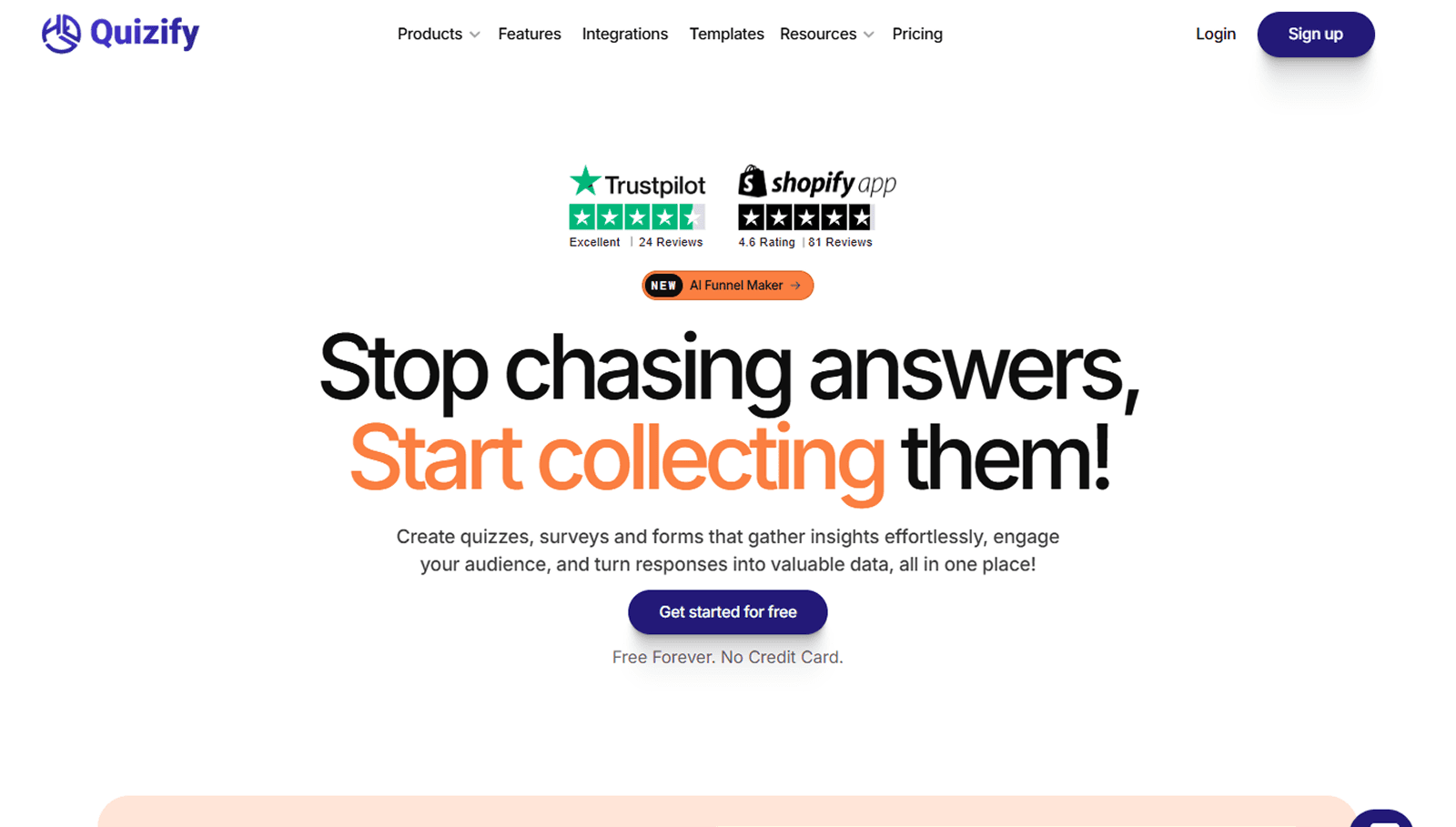
If your primary objective is to design a quiz that can also be used to generate leads, you should consider Quizify.
Unlike a typical form builder, Quizify has been designed for interactive quizzes and funnels. It allows using branching logic and presenting questions and results depending on the answers users give. This way, your quiz may seem more relevant to its visitors.
For instance, a marketing agency can create a quiz to ask about the size of the business, marketing goals, and existing challenges of its visitors. In the end, there would be a recommendation for some particular services or actions.
Besides AI-powered quizzes and funnels, Quizify can provide lead capture, conditional and branching logic, email alerts, file uploads, marketing integrations, and much more.
Depending on the plan you choose, you will be able to integrate Mailchimp, Klaviyo, Brevo, Hubspot, Zapier, Make, Slack, and other marketing tools.
Why consider Quizify?
Assistive technology for quizzes and funnels
Adaptive and multi-level reasoning
Gathering and targeting customers
Coordination with promotional tools
Adaptive final pages
Information about statistics and drops
Custom logo design
Best for: marketing employees and agencies, trainers, companies.
Choose if : in case you require more than a simple questionnaire.
2. Tally – Best Affordable Typeform Alternative
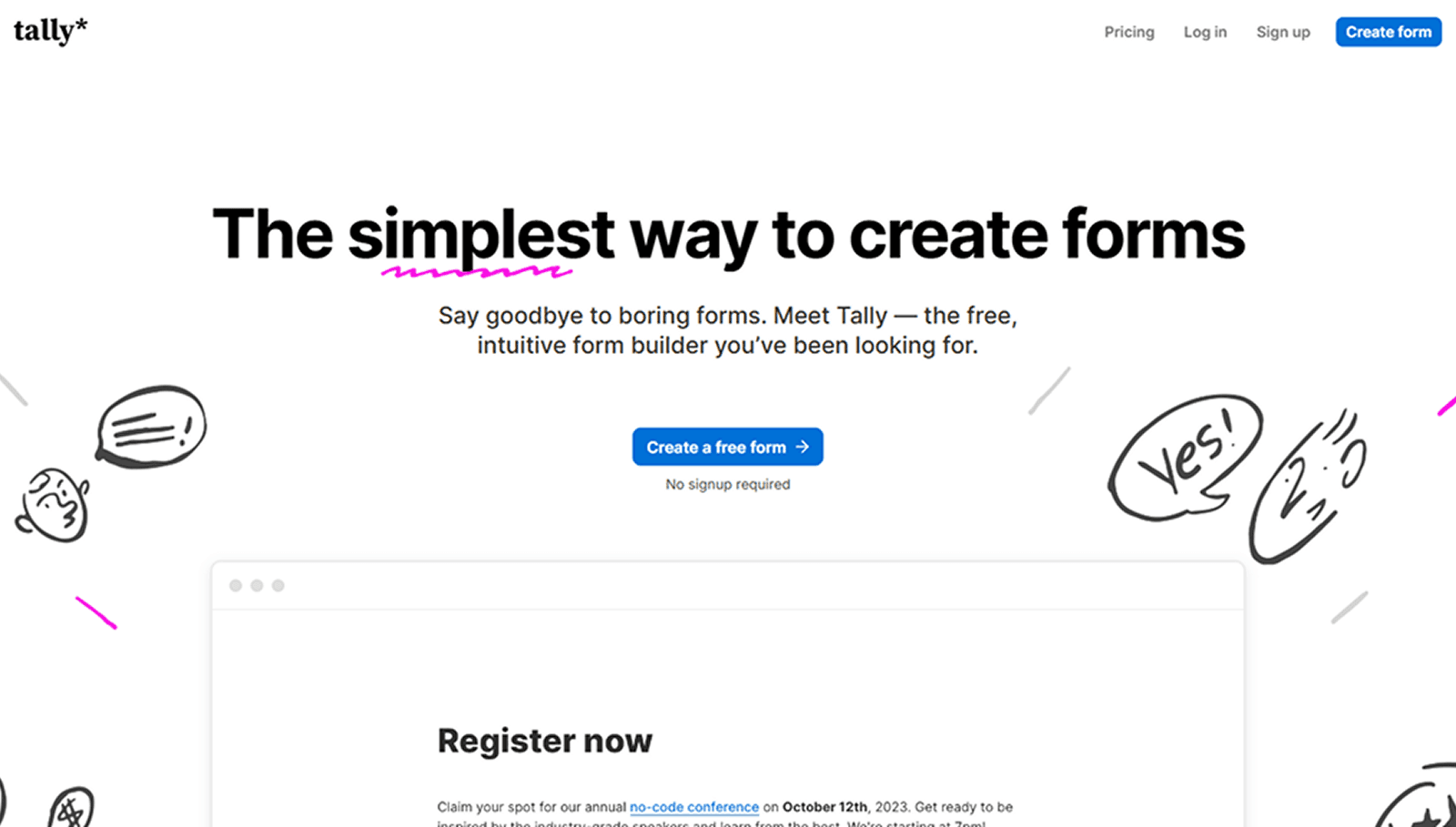
Tally is among the best choices if you wish to have an easy-to-use form builder with no complex pricing.
The free package allows for unlimited forms and submissions within their fair use policy. The tool also comes with features such as conditional logic, calculations, file upload, payments, and signatures.
The interface of the software is such that it feels more like creating a document than a form. It is therefore quite easy to create your form in the application without spending too much time getting used to it.
Tally does also have paid features for users looking for additional customization and branding options.
Why pick Tally?
Great free package
Unlimited forms
Unlimited submissions through fair use
Conditional logic
Calculations
File upload
Payments and signatures
Ease of creating forms
Best for: Start-ups, freelancers, content creators, and small businesses looking for affordable online forms.
Choose it if: You face some limitations from Typeform's pricing and responses.
3. Paperform – Best for Branded Forms and Payments
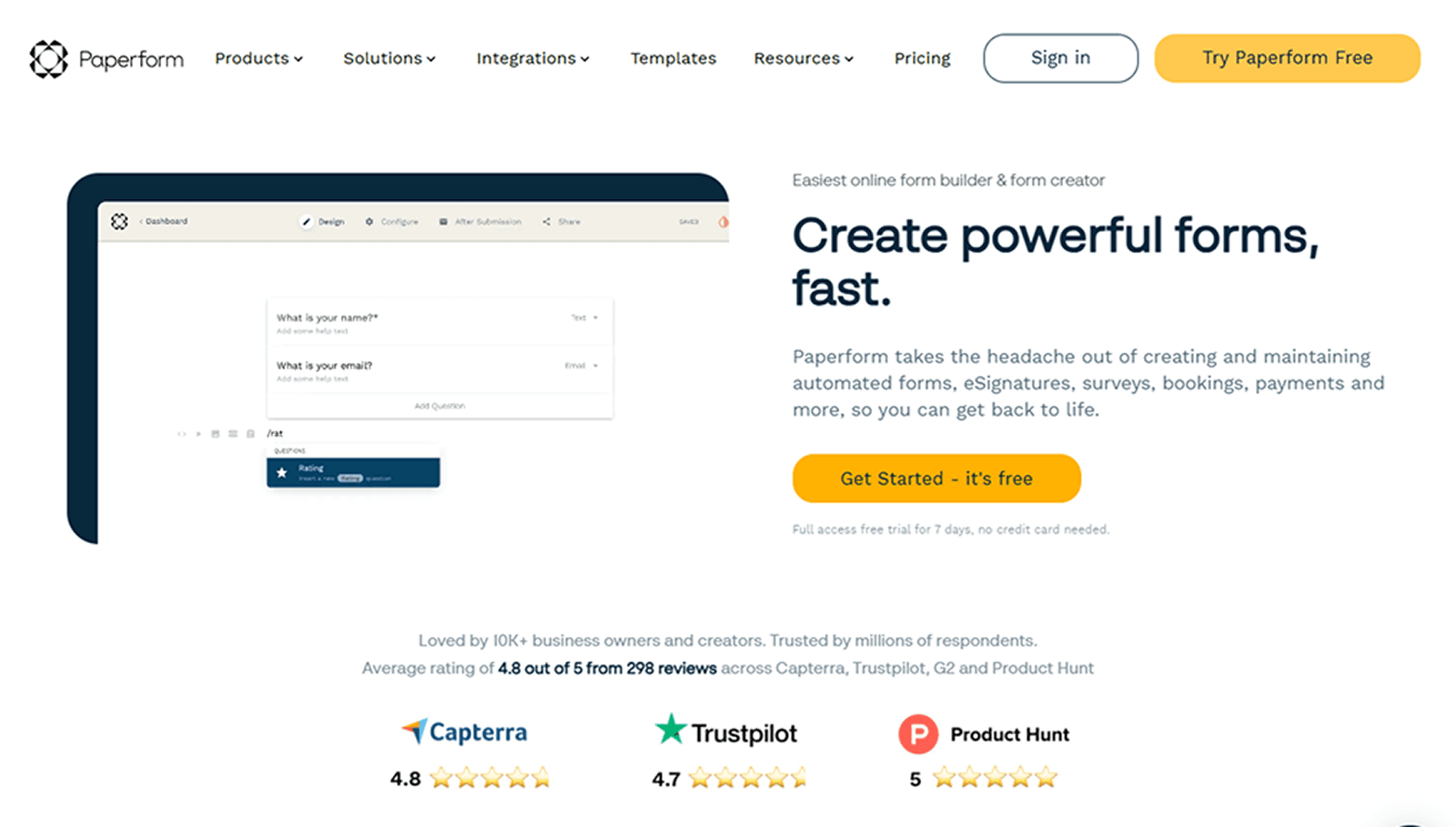
Instead of just forms, Paperform is a document editor where you can design your forms. This means that you have more control over the appearance of the resulting page. It is perfect for companies that would like their forms to correspond to their website or brand.
Paperform is also able to process payments, bookings, surveys, applications, registrations, and more. It is possible to integrate Paperform with various business tools, which increases its applicability.
The price for the product starts at around $24 per month when paid annually, while monthly payment is more expensive.
Why should you opt for Paperform?
Designing personalized forms
Payment transactions
Process of reserving and managing appointments
Evaluation questionnaires and forms
Getting connected with the office applications
Allows for better brand governance
Form drawing tool
Best for: Small companies, tradekers, creators, and groups needing custom-built forms and also payments or booking
consider this if: you want an advanced version of a form creator without having to use test-first platforms
4. Google Forms – Best Free Option for Simple Forms
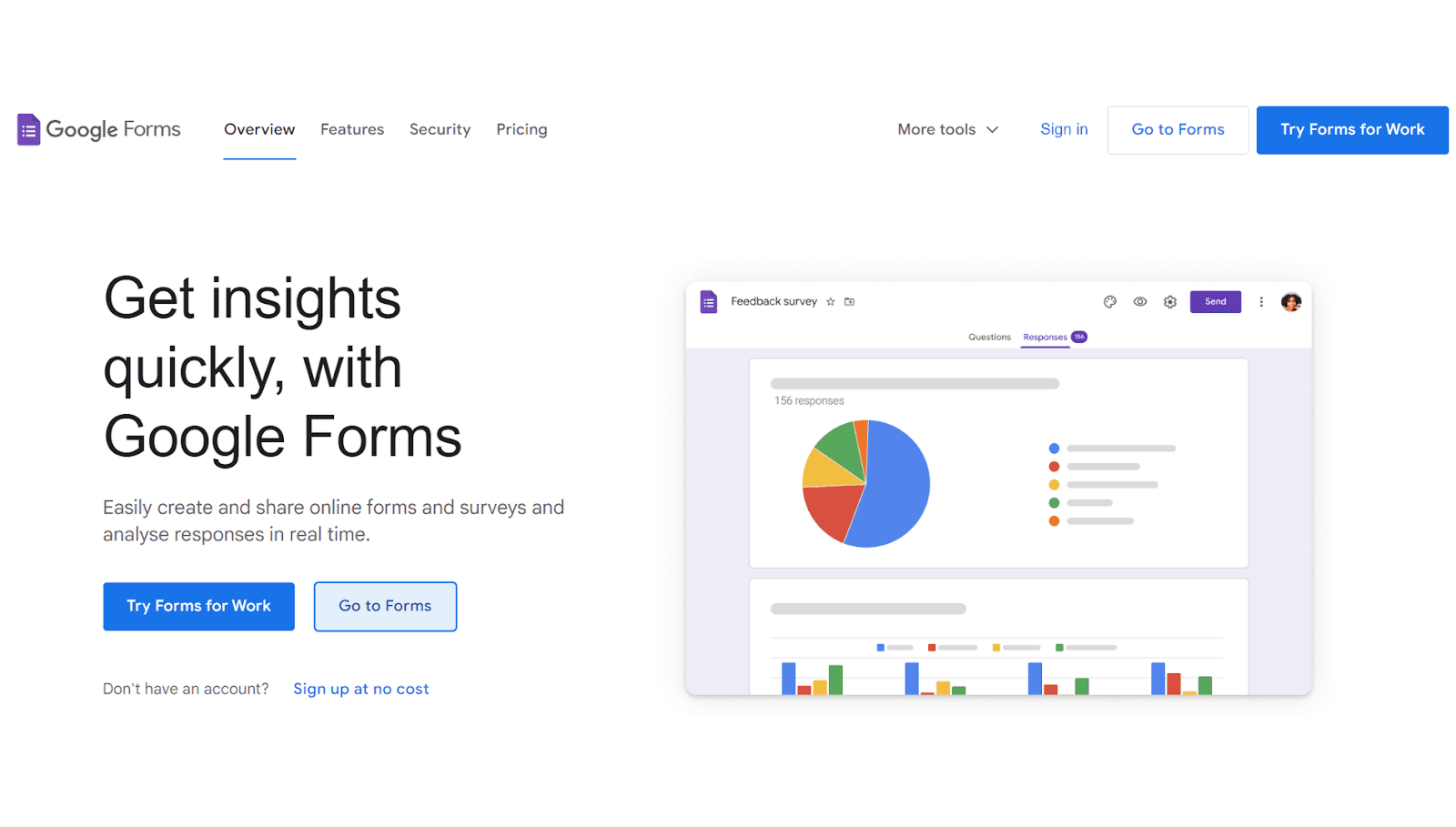
There are times when you do not need an elaborate form creating software. If your goal is to build a survey component, quest registration component, feedback form, or a simple quiz component, then Google Forms can be sufficient.
Google Forms is free to all holders of Google accounts, and it’s especially valuable for teams that use Google Workspace. You can channel responses to Google Sheets which then allows for effective organization of the results.
Using Google Forms, you may work with a wide variety of question formats, quizzes, and sharing options.
Its principal disadvantage is the customization options that are simply minimal in comparison to other tools such as Typeform, Paperform, or Quizify.
Reasons to choose Google Forms:
It’s free, easy and fast to use
It can act as a means of creating different questions for your audience
It even be used as a tool for conducting quizzes
Users may efficiently channel results to Google Sheets
It can be easily shared with teams or embedded into various platforms
Users are able to obtain results in real time.
Best for: Students, teachers, small teams, internal surveys, registrations, and simple data collection.
Consider it if: You want a free Typeform alternative and design is not your main priority.
5. Outgrow – Best for Calculators and Interactive Content
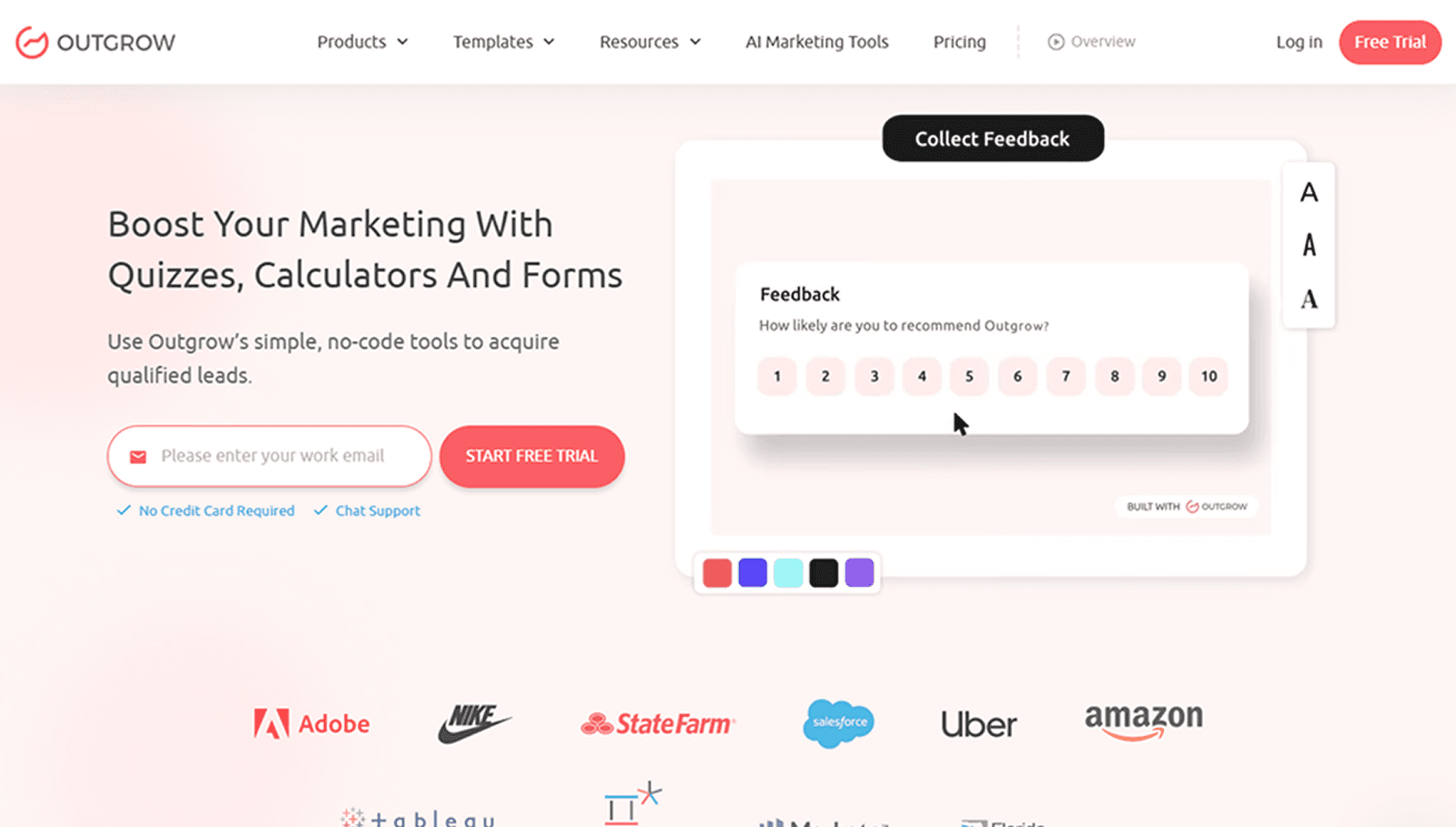
Outgrow is an excellent choice whenever you require your content to go beyond the simple gathering of responses.
It offers support for calculators, tests, quizzes, polls, suggestions, forms, and various other forms of interactive content. This is useful for companies wishing to convert knowledge into personalized answers.
An example would be a bank that can provide a prospective calculator for savings. E-commerce may utilize a recommendation quiz to help visitors to the site in making a purchase.
Outgrow has varying plans depending on the type and number of interactive content. Its paid plans begin at around $22. Price cut is applied when a payment is made annually.
Reasons to choose Outgrow:
Interactive calculators
Assessments
Quizzes
Product suggestions
Polls
Interactive forms
Leads creation
Different types of content
Best for: Marketing, E-commerce, Financial services, Agencies, Companies using interactive content for leads creation.
To use it if: You want both a calculator and a recommendation tool as opposed to a common form.
Typeform vs. Its Alternatives
Typeform is still a strong choice, especially if the main goal is creating a polished, conversational form experience.
However, its pricing and response limits may not work for every business. Its current plan structure starts at $39 per month when billed monthly, with lower effective pricing available on annual billing. Higher plans increase response limits and add more users and features.
The important question is not simply whether another tool is cheaper. It is whether the tool fits your workflow.
If you need... | Consider... |
Lead-generation quizzes | Quizify |
Affordable forms | Tally |
Branded forms and payments | Paperform |
Simple free forms | Google Forms |
Calculators and recommendations | Outgrow |
Conversational forms | Typeform |
This makes the comparison more useful than simply looking at the lowest monthly price.
What to Look for in a Typeform Alternative
Before switching from Typeform, look at a few practical factors.
1. Response Limits
A low monthly price does not always mean a better deal. Check how many responses are included in each plan.
If you collect hundreds or thousands of responses every month, this can make a major difference to your total cost.
2. Logic and Personalization
When designing a quiz, survey or assessment system ensure you check if the platform has functionality for conditional logic. Conditional logic will allow you to create personalized experiences for your users and prevent them from going through irrelevant questions.
3. Integrations
Consider what other applications you will want your form data sent to. You might want to connect to your email marketing tool, customer relationship management software, analytics solutions, or automation systems. A low-priced form creation platform may end up being useless if it does not connect to the applications you use.
4. Design and Branding
Not every form needs to look like a landing page. But if the form is customer-facing, branding can matter. Check whether you can customize fonts, colors, logos, layouts, and domains.
5. Analytics
Just counting the submissions doesn’t work well enough for lead generation quizzes.
Features such as tracking drop-offs, understanding conversion numbers, and evaluating answers will help determine where users drop off and which answers they give most frequently.
Conclusion: Which Typeform Alternative Is Right for You?
All kinds of users do not have the same requirements for Typeform alternatives as there is no universal best solution.
While Typeform may work well in terms of delivering conversational forms, there are other good alternatives for different applications. For example, Quizify is a great option for quiz based lead generation.
With Tally, users receive an easy to use and affordable form builder with plenty of good features in its free plans.
If you require branded forms or wish to receive payments and bookings, Paperform is the best option.
Google Forms is one of the best choices for free and simple survey and form making tools.
If your main goal is making calculators, assessments, and recommendations, Outgrow is a great tool for it.
The tool that you should choose depends on your budget, number of responses you want to receive, design, integrations, and overall experience you wish to have working with the forms you created.
Read More: Jotform Alternatives: 5 Better Tools for Forms, Surveys, and Data Collection
Join our newsletter list
Sign up to get the most recent blog articles in your email every week.
Similar Topic