How to Automate Lead Nurturing with Quizify and Zapier
Integration
Dec 15, 2025
12/15/25
7 Min Read
Learn how to automate lead nurturing with Quizify and Zapier by capturing quiz data, triggering workflows, and delivering personalized follow-ups that convert prospects into customers.
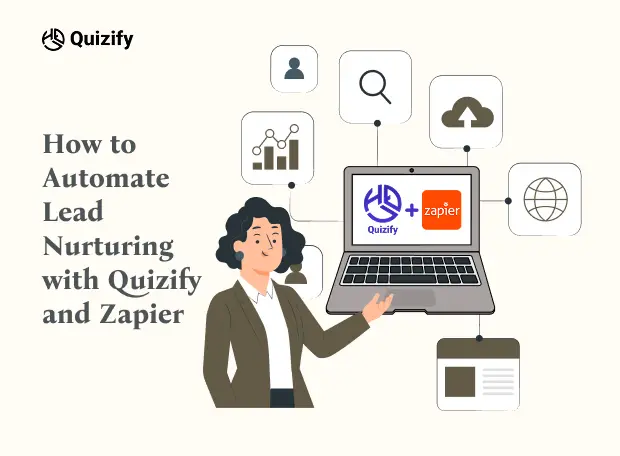
It is very crucial to automatically nourish the leads to ensure customers remain engaged in transitioning them from prospect to customer. More specifically, using Quizify, one of the great tools to create engaging quizzes combined with the automation service Zapier, can be influential for businesses regarding lead nurturing. In this article, one will get to learn the technical and marketing side associated with automating lead nurturing through Quizify and Zapier.
Quizify and Zapier Survey
Quizify is an ideal all-around application through which companies can develop engaging quizzes that target their users. While these quizzes may entertain users, they also provide important information, going straight to the customer’s preferences and actions.
Zapier, however, is an automation tool that enables app integration; it helps applications to engage effectively. “Zaps,” allow users to automate almost any workflow of applications without even requiring any coding skills. This makes it easier to transfer quiz data collected to many marketing and CRM tools which improves the leads capture and management.
Integrating Quizify with Zapier: A Step-by-Step Guide
The combination of Quizify and Zapier helps to properly transfer and later use the leads’ data for marketing purposes. Here's how to set up this integration:
Access Quizify's Integration Settings:
Open your Quizify login account.
You will find the ‘Integrations’ tab on the left side of your dashboard.
Click ‘Tools’ again and, from the drop-down list of supported services, choose ‘Zapier’.
Generate a Webhook URL in Zapier:
Open your Zapier account and go to the creation of the new workflow.
Select ‘Create Zap’ to create a new automated scenario.
Select ‘Webhooks by Zapier’ as the starting event, the idea is to have the app receive the webhooks.
As the trigger event select ‘Catch Hook’.
Users shall be presented with a special webhook URL by Zapier; be sure to copy this URL.
Link Zapier to Quizify:
Go back to the settings of Zapier in Quizify.
Paste the copied webhook URL in the specified box.
To save these settings, you need to set up the connection.
Configure the Zap:
In Zapier, set up this functionality to determine what action should happen when data is received through the specified webhook.
For instance, you can opt to push quiz respondents as contacts to your CRM, email marketing tool, or as a record on the Google Sheet.
This involves the progress of data field mapping that streams the fields from Quizify to those fields in the chosen application.
Test and Activate the Zap:
Conduct an experiment by completing a ‘submit’ by filling out the response information on your Quizify quiz.
Zapier should receive data and send it to the right application for further use in the organization.
If all these details are verified, then turn on the Zap to kick-start an automated process.
By following the described steps above, it will be possible to automate the lead capturing from Quizify and their further management with the help of selected marketing tools, which will, in turn, upgrade the lead nurturing process.
Automating Lead Nurturing: Technical Perspective
With regards to Quizify and Zapier interaction, information exchange is real-time as it uses special webhooks. When a user finishes a quiz, Quizify shares the information with the webhook URL set on Zapier.
Zapier then processes these values and triggers activities such as adding this contact to a specific CRM or adding the details to an email list.
This automation eliminates the problem of having to enter leads manually into your marketing funnels and, hence, can reduce the rate of error and ensure that all leads are processed and entered into the marketing funnels as soon as possible.
Moreover, Zapier is equipped with a rich list of application integrations where one can tailor the options for the downstream applications to manage leads.
Automating Lead Nurturing: Marketing Perspective
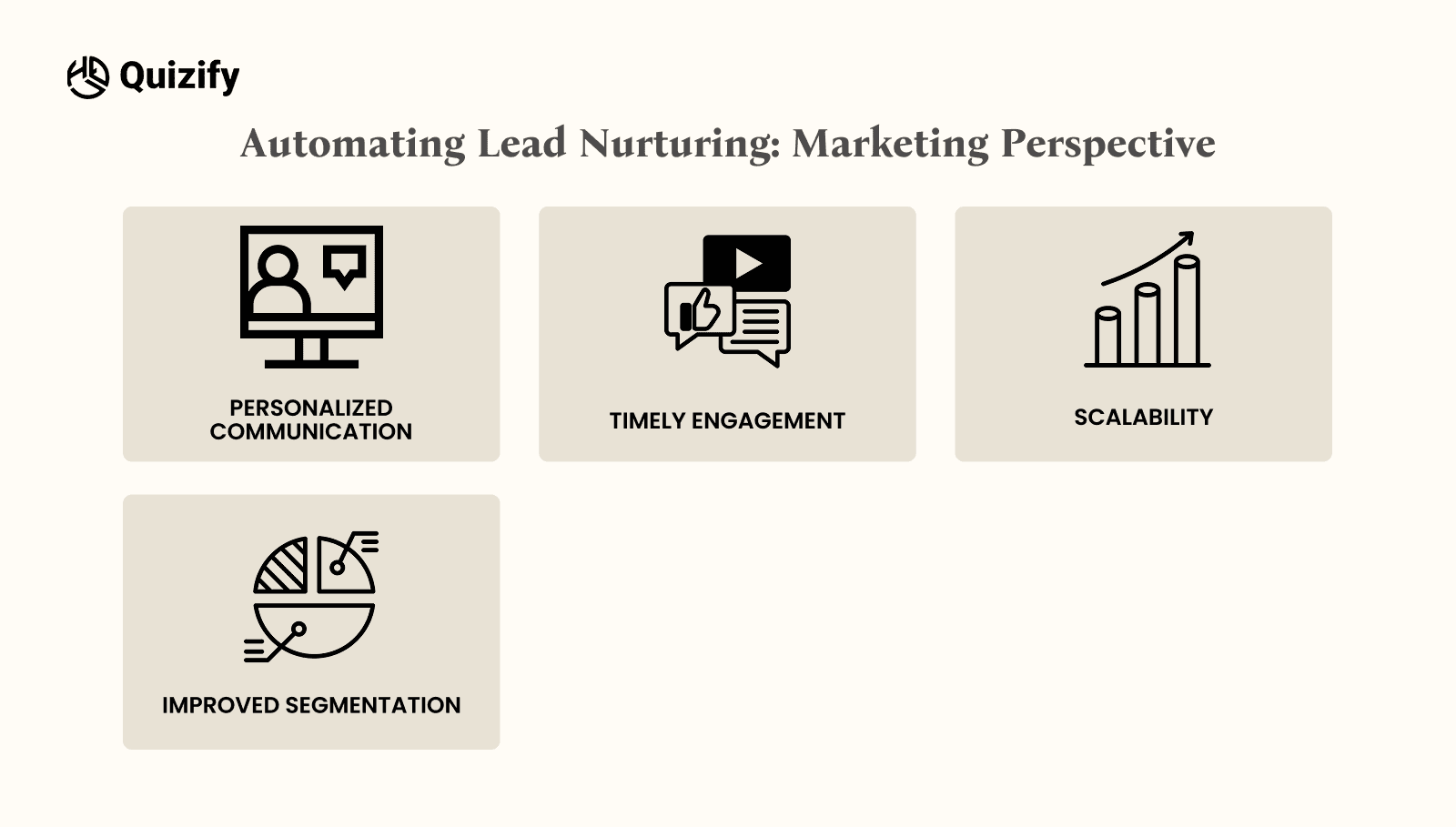
From a marketing perspective, automating lead nurturing through Quizify and Zapier offers several advantages:
Personalized Communication: Quizzes generate data that helps to see what exactly each lead is interested in, so you can send them a message that will appeal to them.
Timely Engagement: Some of the automated tasks mean that the leads are followed up on immediately, hence making the chances of conversion higher.
Scalability: Automation makes it possible to manage a high number of leads without increasing the workload to manage the marketing activities and effectively expand the marketing capacity.
Improved Segmentation: Quiz responses can be used as the basis for the segmentation of the audience according to certain criteria, which, in turn, helps deliver more effective campaigns that would bring higher engagement rates.
Adopting even these automated tactics improves the functioning of lead nurturing processes, but at the same time helps to make the overall marketing much better.
Automation Tips & Techniques:
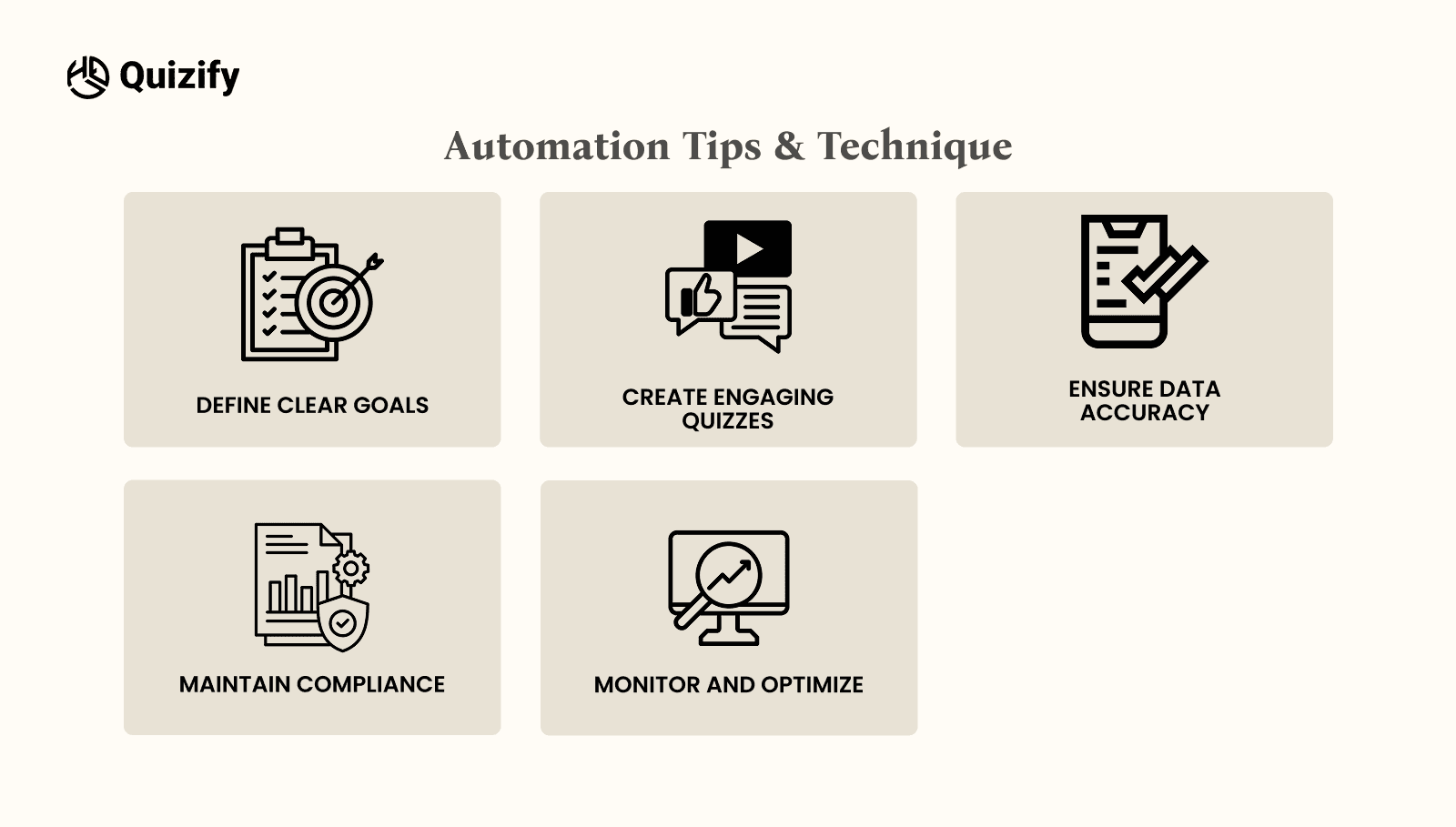
To maximize the benefits of integrating Quizify with Zapier for lead nurturing, consider the following best practices:
Define Clear Goals: Define what your quizzes and the resulting automation are supposed to accomplish—like boosting newsletter subscriptions or introducing new products.
Craft Engaging Quizzes: Develop fun-tastic quizzes, which not only have to be engaging but should also make the audience respond freely and truthfully.
Ensure Data Accuracy: Always preview Zaps to ensure data is moved correctly across and the fields matched to the correct input and output are correct.
Maintain Compliance: Observe the data protection law by explaining how the data will be used and by getting consent as required.
Monitor and Optimize: It is about monitoring the flows characterized by automated working and examining them in order to identify better approaches in assisting the maximum number of individuals possible.
Take advantage of Multi-Step Automation:
Zapier workflows are hierarchical structures that benefit from multi-step chains. For instance, after collecting the lead details through a Quizify quiz, the details entered can be used to enter the lead details in CRM software, send a follow-up email, and populate the analytics tool for tracking. This makes sure that all assigned leads are properly under care and that all remaining aspects related to your marketing strategy are tightly connected and work smoothly.
Conclusion
Using Quizify in conjunction with Zapier provides a strong solution for the automation of lead-nurturing ideas and tactics as a means of communicating with leads. As a representative of achieving objectives such as quiz questions or as a smooth transition of the data into the marketing channels, this integration integrates efficiency and value addition for customer experience.
To conclude, using the technical opportunity of Zapier, and the entertaining characteristics of Quizify, enables businesses to lessen the workload and spend more time developing relationships with people. There is no reason to postpone lead nurturing automation any longer if you want to boost your engagement and sales.
Read More: A Step-by-Step Guide to Quizify Integration with Klaviyo
It is very crucial to automatically nourish the leads to ensure customers remain engaged in transitioning them from prospect to customer. More specifically, using Quizify, one of the great tools to create engaging quizzes combined with the automation service Zapier, can be influential for businesses regarding lead nurturing. In this article, one will get to learn the technical and marketing side associated with automating lead nurturing through Quizify and Zapier.
Quizify and Zapier Survey
Quizify is an ideal all-around application through which companies can develop engaging quizzes that target their users. While these quizzes may entertain users, they also provide important information, going straight to the customer’s preferences and actions.
Zapier, however, is an automation tool that enables app integration; it helps applications to engage effectively. “Zaps,” allow users to automate almost any workflow of applications without even requiring any coding skills. This makes it easier to transfer quiz data collected to many marketing and CRM tools which improves the leads capture and management.
Integrating Quizify with Zapier: A Step-by-Step Guide
The combination of Quizify and Zapier helps to properly transfer and later use the leads’ data for marketing purposes. Here's how to set up this integration:
Access Quizify's Integration Settings:
Open your Quizify login account.
You will find the ‘Integrations’ tab on the left side of your dashboard.
Click ‘Tools’ again and, from the drop-down list of supported services, choose ‘Zapier’.
Generate a Webhook URL in Zapier:
Open your Zapier account and go to the creation of the new workflow.
Select ‘Create Zap’ to create a new automated scenario.
Select ‘Webhooks by Zapier’ as the starting event, the idea is to have the app receive the webhooks.
As the trigger event select ‘Catch Hook’.
Users shall be presented with a special webhook URL by Zapier; be sure to copy this URL.
Link Zapier to Quizify:
Go back to the settings of Zapier in Quizify.
Paste the copied webhook URL in the specified box.
To save these settings, you need to set up the connection.
Configure the Zap:
In Zapier, set up this functionality to determine what action should happen when data is received through the specified webhook.
For instance, you can opt to push quiz respondents as contacts to your CRM, email marketing tool, or as a record on the Google Sheet.
This involves the progress of data field mapping that streams the fields from Quizify to those fields in the chosen application.
Test and Activate the Zap:
Conduct an experiment by completing a ‘submit’ by filling out the response information on your Quizify quiz.
Zapier should receive data and send it to the right application for further use in the organization.
If all these details are verified, then turn on the Zap to kick-start an automated process.
By following the described steps above, it will be possible to automate the lead capturing from Quizify and their further management with the help of selected marketing tools, which will, in turn, upgrade the lead nurturing process.
Automating Lead Nurturing: Technical Perspective
With regards to Quizify and Zapier interaction, information exchange is real-time as it uses special webhooks. When a user finishes a quiz, Quizify shares the information with the webhook URL set on Zapier.
Zapier then processes these values and triggers activities such as adding this contact to a specific CRM or adding the details to an email list.
This automation eliminates the problem of having to enter leads manually into your marketing funnels and, hence, can reduce the rate of error and ensure that all leads are processed and entered into the marketing funnels as soon as possible.
Moreover, Zapier is equipped with a rich list of application integrations where one can tailor the options for the downstream applications to manage leads.
Automating Lead Nurturing: Marketing Perspective

From a marketing perspective, automating lead nurturing through Quizify and Zapier offers several advantages:
Personalized Communication: Quizzes generate data that helps to see what exactly each lead is interested in, so you can send them a message that will appeal to them.
Timely Engagement: Some of the automated tasks mean that the leads are followed up on immediately, hence making the chances of conversion higher.
Scalability: Automation makes it possible to manage a high number of leads without increasing the workload to manage the marketing activities and effectively expand the marketing capacity.
Improved Segmentation: Quiz responses can be used as the basis for the segmentation of the audience according to certain criteria, which, in turn, helps deliver more effective campaigns that would bring higher engagement rates.
Adopting even these automated tactics improves the functioning of lead nurturing processes, but at the same time helps to make the overall marketing much better.
Automation Tips & Techniques:

To maximize the benefits of integrating Quizify with Zapier for lead nurturing, consider the following best practices:
Define Clear Goals: Define what your quizzes and the resulting automation are supposed to accomplish—like boosting newsletter subscriptions or introducing new products.
Craft Engaging Quizzes: Develop fun-tastic quizzes, which not only have to be engaging but should also make the audience respond freely and truthfully.
Ensure Data Accuracy: Always preview Zaps to ensure data is moved correctly across and the fields matched to the correct input and output are correct.
Maintain Compliance: Observe the data protection law by explaining how the data will be used and by getting consent as required.
Monitor and Optimize: It is about monitoring the flows characterized by automated working and examining them in order to identify better approaches in assisting the maximum number of individuals possible.
Take advantage of Multi-Step Automation:
Zapier workflows are hierarchical structures that benefit from multi-step chains. For instance, after collecting the lead details through a Quizify quiz, the details entered can be used to enter the lead details in CRM software, send a follow-up email, and populate the analytics tool for tracking. This makes sure that all assigned leads are properly under care and that all remaining aspects related to your marketing strategy are tightly connected and work smoothly.
Conclusion
Using Quizify in conjunction with Zapier provides a strong solution for the automation of lead-nurturing ideas and tactics as a means of communicating with leads. As a representative of achieving objectives such as quiz questions or as a smooth transition of the data into the marketing channels, this integration integrates efficiency and value addition for customer experience.
To conclude, using the technical opportunity of Zapier, and the entertaining characteristics of Quizify, enables businesses to lessen the workload and spend more time developing relationships with people. There is no reason to postpone lead nurturing automation any longer if you want to boost your engagement and sales.
Read More: A Step-by-Step Guide to Quizify Integration with Klaviyo
It is very crucial to automatically nourish the leads to ensure customers remain engaged in transitioning them from prospect to customer. More specifically, using Quizify, one of the great tools to create engaging quizzes combined with the automation service Zapier, can be influential for businesses regarding lead nurturing. In this article, one will get to learn the technical and marketing side associated with automating lead nurturing through Quizify and Zapier.
Quizify and Zapier Survey
Quizify is an ideal all-around application through which companies can develop engaging quizzes that target their users. While these quizzes may entertain users, they also provide important information, going straight to the customer’s preferences and actions.
Zapier, however, is an automation tool that enables app integration; it helps applications to engage effectively. “Zaps,” allow users to automate almost any workflow of applications without even requiring any coding skills. This makes it easier to transfer quiz data collected to many marketing and CRM tools which improves the leads capture and management.
Integrating Quizify with Zapier: A Step-by-Step Guide
The combination of Quizify and Zapier helps to properly transfer and later use the leads’ data for marketing purposes. Here's how to set up this integration:
Access Quizify's Integration Settings:
Open your Quizify login account.
You will find the ‘Integrations’ tab on the left side of your dashboard.
Click ‘Tools’ again and, from the drop-down list of supported services, choose ‘Zapier’.
Generate a Webhook URL in Zapier:
Open your Zapier account and go to the creation of the new workflow.
Select ‘Create Zap’ to create a new automated scenario.
Select ‘Webhooks by Zapier’ as the starting event, the idea is to have the app receive the webhooks.
As the trigger event select ‘Catch Hook’.
Users shall be presented with a special webhook URL by Zapier; be sure to copy this URL.
Link Zapier to Quizify:
Go back to the settings of Zapier in Quizify.
Paste the copied webhook URL in the specified box.
To save these settings, you need to set up the connection.
Configure the Zap:
In Zapier, set up this functionality to determine what action should happen when data is received through the specified webhook.
For instance, you can opt to push quiz respondents as contacts to your CRM, email marketing tool, or as a record on the Google Sheet.
This involves the progress of data field mapping that streams the fields from Quizify to those fields in the chosen application.
Test and Activate the Zap:
Conduct an experiment by completing a ‘submit’ by filling out the response information on your Quizify quiz.
Zapier should receive data and send it to the right application for further use in the organization.
If all these details are verified, then turn on the Zap to kick-start an automated process.
By following the described steps above, it will be possible to automate the lead capturing from Quizify and their further management with the help of selected marketing tools, which will, in turn, upgrade the lead nurturing process.
Automating Lead Nurturing: Technical Perspective
With regards to Quizify and Zapier interaction, information exchange is real-time as it uses special webhooks. When a user finishes a quiz, Quizify shares the information with the webhook URL set on Zapier.
Zapier then processes these values and triggers activities such as adding this contact to a specific CRM or adding the details to an email list.
This automation eliminates the problem of having to enter leads manually into your marketing funnels and, hence, can reduce the rate of error and ensure that all leads are processed and entered into the marketing funnels as soon as possible.
Moreover, Zapier is equipped with a rich list of application integrations where one can tailor the options for the downstream applications to manage leads.
Automating Lead Nurturing: Marketing Perspective

From a marketing perspective, automating lead nurturing through Quizify and Zapier offers several advantages:
Personalized Communication: Quizzes generate data that helps to see what exactly each lead is interested in, so you can send them a message that will appeal to them.
Timely Engagement: Some of the automated tasks mean that the leads are followed up on immediately, hence making the chances of conversion higher.
Scalability: Automation makes it possible to manage a high number of leads without increasing the workload to manage the marketing activities and effectively expand the marketing capacity.
Improved Segmentation: Quiz responses can be used as the basis for the segmentation of the audience according to certain criteria, which, in turn, helps deliver more effective campaigns that would bring higher engagement rates.
Adopting even these automated tactics improves the functioning of lead nurturing processes, but at the same time helps to make the overall marketing much better.
Automation Tips & Techniques:

To maximize the benefits of integrating Quizify with Zapier for lead nurturing, consider the following best practices:
Define Clear Goals: Define what your quizzes and the resulting automation are supposed to accomplish—like boosting newsletter subscriptions or introducing new products.
Craft Engaging Quizzes: Develop fun-tastic quizzes, which not only have to be engaging but should also make the audience respond freely and truthfully.
Ensure Data Accuracy: Always preview Zaps to ensure data is moved correctly across and the fields matched to the correct input and output are correct.
Maintain Compliance: Observe the data protection law by explaining how the data will be used and by getting consent as required.
Monitor and Optimize: It is about monitoring the flows characterized by automated working and examining them in order to identify better approaches in assisting the maximum number of individuals possible.
Take advantage of Multi-Step Automation:
Zapier workflows are hierarchical structures that benefit from multi-step chains. For instance, after collecting the lead details through a Quizify quiz, the details entered can be used to enter the lead details in CRM software, send a follow-up email, and populate the analytics tool for tracking. This makes sure that all assigned leads are properly under care and that all remaining aspects related to your marketing strategy are tightly connected and work smoothly.
Conclusion
Using Quizify in conjunction with Zapier provides a strong solution for the automation of lead-nurturing ideas and tactics as a means of communicating with leads. As a representative of achieving objectives such as quiz questions or as a smooth transition of the data into the marketing channels, this integration integrates efficiency and value addition for customer experience.
To conclude, using the technical opportunity of Zapier, and the entertaining characteristics of Quizify, enables businesses to lessen the workload and spend more time developing relationships with people. There is no reason to postpone lead nurturing automation any longer if you want to boost your engagement and sales.
Read More: A Step-by-Step Guide to Quizify Integration with Klaviyo
Join our newsletter list
Sign up to get the most recent blog articles in your email every week.
Similar Topic
Related Blogs
Similar Topic
Related Blogs
More Articles
Latest Blogs
More Articles
Latest Blogs
More Articles